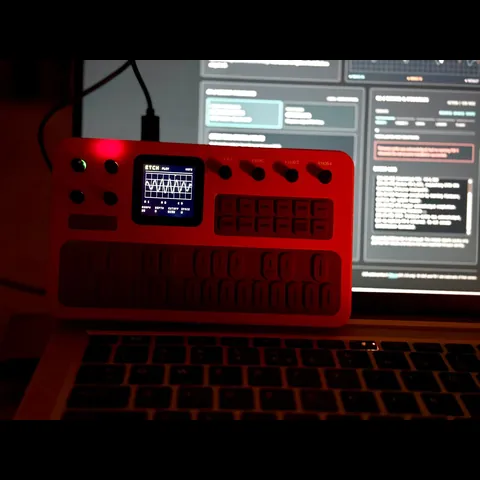
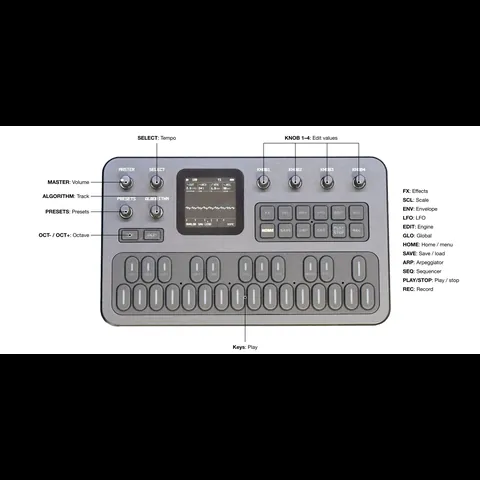
The M-Vave FM-1 and the SMK-37 run the same JieLi AC791N chip, the same boot chain and the same
update loader. Only the panel is wired differently. So every open FM-1 firmware can run on the
bigger keyboard, once it learns the new panel: a thin board layer adds the keys, pads, faders,
wheels, LEDs and flash map.
// the lineup · install from the browser
Pick a firmware. Press install.
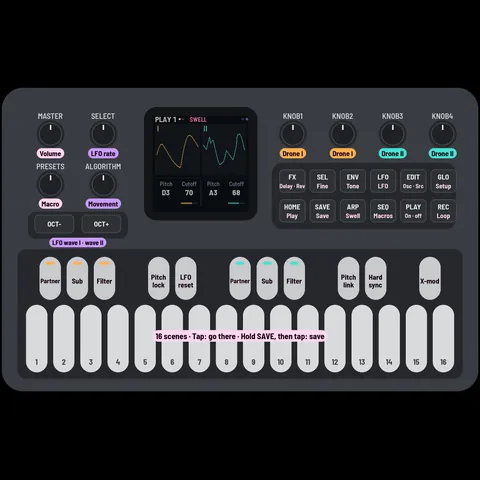
Firmwares made for the SMK-37, and FM-1 firmwares ported to it.
Connect the SMK-37 by USB, open this page in Chrome or Edge, and switch firmwares in about a minute.
Find what you see, top to bottom. Most of it is fixed with one more install.
An install stopped part way (cable, power, closed tab)
Nothing serious. Plug the keyboard in, open the firmware page, press Connect, then Install again: it goes on where it stopped.
It hangs at "switching to update mode" from M-Vave's firmwareThe browser freezes there (Windows, Chrome or Edge): a known browser bug while M-Vave's firmware restarts into
update mode. Close the browser (Task Manager), open the page again, press Connect and Install again: the keyboard waits in
update mode and the install goes through. Otherwise: the first install needs M-Vave's V016. On V013 or V015, update with M-Vave's updater (M-UPGRADE) first. Connect on the firmware page shows which version runs.
The new firmware does not start (dark, or restarting)
Hold OCTAVE− and OCTAVE+ for 5 s: most firmwares here open their update mode. Then install again,
or go back to M-Vave's firmware (on the firmware page; it also finishes from update mode).
The keyboard is in another firmware's update mode
Switch it off and on: its firmware starts again. Or finish that update with that firmware's own updater or M-UPGRADE.
Back on M-Vave's firmware, every key reads "C" and the synth is silent
Its key mapping is damaged. Use Repair at the end of this page: it rebuilds the mapping and keeps your calibration.
After the repair, the wheels don't respond
On some keyboards M-Vave's firmware needs the wheels taught again: run the wheel calibration in M-Vave's settings once.
Black screen after installing Melodee on 17 October
Melodee's first SMK-37 build could stop part way through its update (fixed the same evening). Hold OCTAVE− and
OCTAVE+ for 5 s at power-on, press Connect and install again. If the computer sees nothing on USB, write on
GitHub: we help you bring it back.
Black screen, and the computer sees a USB disk "WL82 UBOOT1.00"
That is the chip's own download mode; the keyboard is not lost. Don't use the FM-1's factory files on an SMK-37.
Ask in the community or on
GitHub first, with what you did last.
Still stuck?
Every install window has Copy log. Paste it into a message on
GitHub or the
feedback box. For tinkerers: m-bootloader
adds a recovery menu and download mode from the keys (back up first with
M-Flasher).
Not connectedUse Chrome or Edge. Plug the keyboard into this computer, then press Connect.
Originals by genkigenki
New firmwares, written for the SMK-37.FM-1 builds.
The same firmware under another model name. Pick your keyboard's own model (an Elite running an older build here
reports SMK-37 Pro), so M-Vave's updater accepts its factory firmware again. Starrykey 37 Play: use SMK-37 Pro.
The same firmware under another model name. Pick your keyboard's own model (an Elite running an older build here
reports SMK-37 Pro), so M-Vave's updater accepts its factory firmware again. Starrykey 37 Play: use SMK-37 Pro.
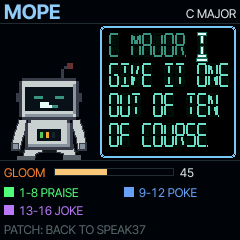
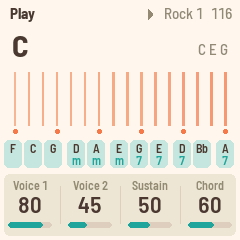
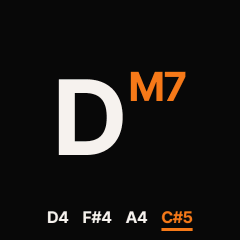
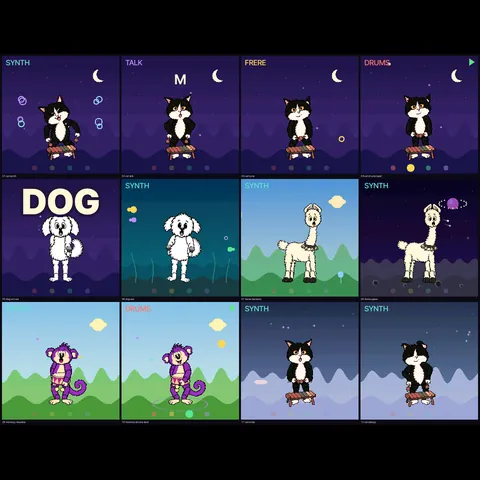
A talking synth for the SMK-37 and the FM-1: every key speaks the next word at its pitch, chords speak in harmony. And MOPE, a gloomy robot who listens to what you play and tells you what he thinks of it.
Nine voices, sentences, songs, mantras, your own words
The same firmware under another model name. Pick your keyboard's own model (an Elite running an older build here
reports SMK-37 Pro), so M-Vave's updater accepts its factory firmware again. Starrykey 37 Play: use SMK-37 Pro.
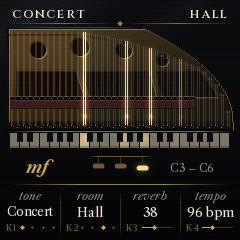
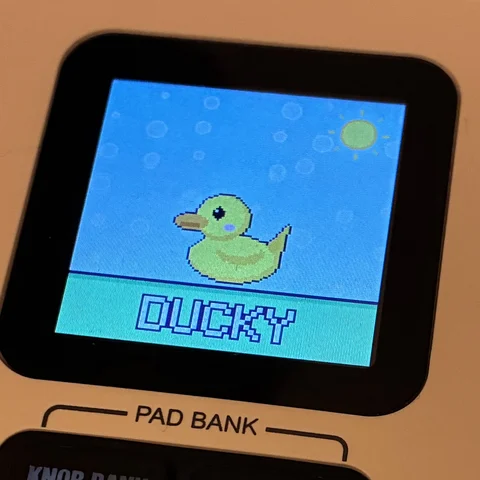
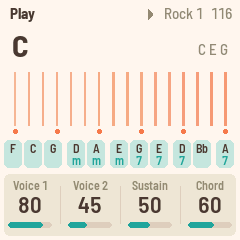
A grand piano for the SMK-37: a sampled concert grand with velocity layers, dampers and their noise, the three pedals, string resonance and four rooms.
Pads 1–4: four piano voices · pads 5–16: your own sounds (hold to save)
Sustain: PEDAL jack (half pedal), SEQ REC on / off · release noise level · pad light
K1–K4: the page's knobs, < > the pages · samples: Salamander Grand Piano V3 (CC BY 3.0)
The same firmware under another model name. Pick your keyboard's own model (an Elite running an older build here
reports SMK-37 Pro), so M-Vave's updater accepts its factory firmware again. Starrykey 37 Play: use SMK-37 Pro.
FM-1 ports
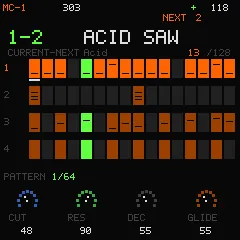
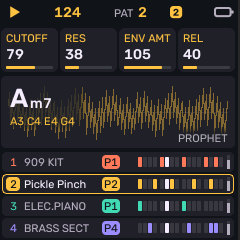
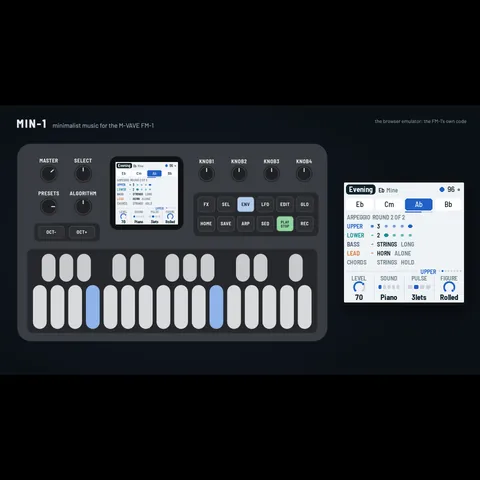
FM-1 firmwares, ported and extended for the SMK-37.
The same firmware under another model name. Pick your keyboard's own model (an Elite running an older build here
reports SMK-37 Pro), so M-Vave's updater accepts its factory firmware again. Starrykey 37 Play: use SMK-37 Pro.
The same firmware under another model name. Pick your keyboard's own model (an Elite running an older build here
reports SMK-37 Pro), so M-Vave's updater accepts its factory firmware again. Starrykey 37 Play: use SMK-37 Pro.
The same firmware under another model name. Pick your keyboard's own model (an Elite running an older build here
reports SMK-37 Pro), so M-Vave's updater accepts its factory firmware again. Starrykey 37 Play: use SMK-37 Pro.
The same firmware under another model name. Pick your keyboard's own model (an Elite running an older build here
reports SMK-37 Pro), so M-Vave's updater accepts its factory firmware again. Starrykey 37 Play: use SMK-37 Pro.
The same firmware under another model name. Pick your keyboard's own model (an Elite running an older build here
reports SMK-37 Pro), so M-Vave's updater accepts its factory firmware again. Starrykey 37 Play: use SMK-37 Pro.
The same firmware under another model name. Pick your keyboard's own model (an Elite running an older build here
reports SMK-37 Pro), so M-Vave's updater accepts its factory firmware again. Starrykey 37 Play: use SMK-37 Pro.
The same firmware under another model name. Pick your keyboard's own model (an Elite running an older build here
reports SMK-37 Pro), so M-Vave's updater accepts its factory firmware again. Starrykey 37 Play: use SMK-37 Pro.
The same firmware under another model name. Pick your keyboard's own model (an Elite running an older build here
reports SMK-37 Pro), so M-Vave's updater accepts its factory firmware again. Starrykey 37 Play: use SMK-37 Pro.
The same firmware under another model name. Pick your keyboard's own model (an Elite running an older build here
reports SMK-37 Pro), so M-Vave's updater accepts its factory firmware again. Starrykey 37 Play: use SMK-37 Pro.
The same firmware under another model name. Pick your keyboard's own model (an Elite running an older build here
reports SMK-37 Pro), so M-Vave's updater accepts its factory firmware again. Starrykey 37 Play: use SMK-37 Pro.
The same firmware under another model name. Pick your keyboard's own model (an Elite running an older build here
reports SMK-37 Pro), so M-Vave's updater accepts its factory firmware again. Starrykey 37 Play: use SMK-37 Pro.
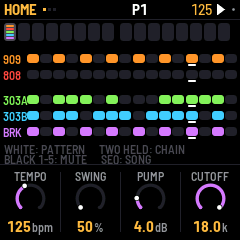
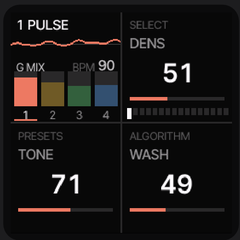
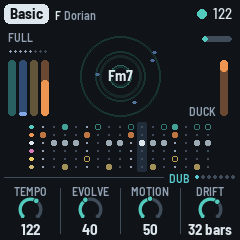
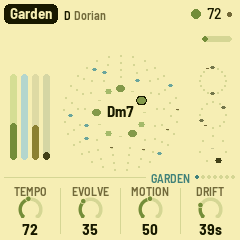
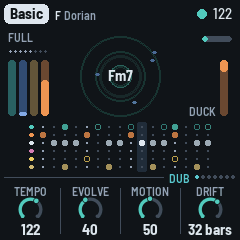
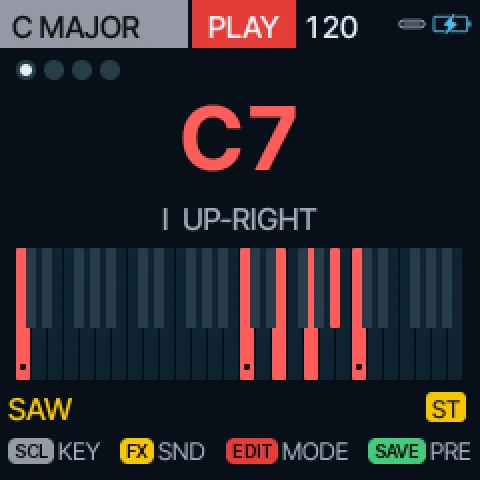
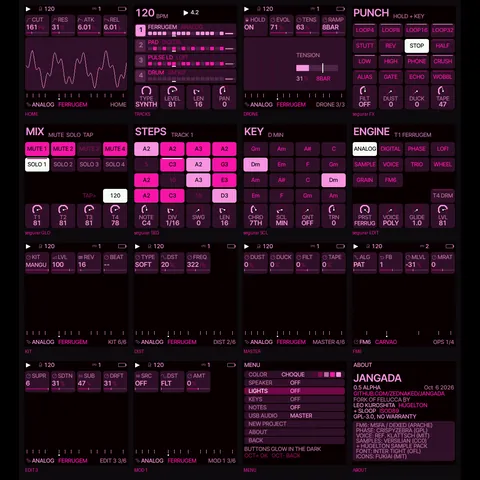
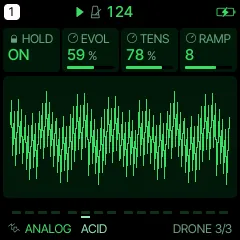
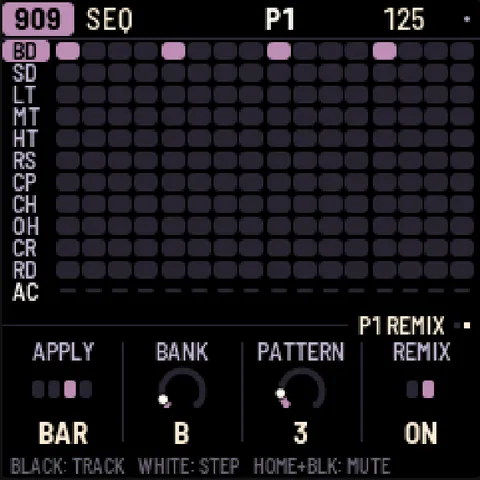
A generative dub techno machine: chord stabs through a low-pass into a tape echo, a sub bass, a kick that ducks the rest. You don't play it, you steer it.
Pads: the scale, the effects grid, PERFORM and the pattern steps, in three colours
K1–K4: the page's knobs · fader banks: levels, space, shape
Pitch wheel bends the tape echo, mod wheel opens the filter
The same firmware under another model name. Pick your keyboard's own model (an Elite running an older build here
reports SMK-37 Pro), so M-Vave's updater accepts its factory firmware again. Starrykey 37 Play: use SMK-37 Pro.
The same firmware under another model name. Pick your keyboard's own model (an Elite running an older build here
reports SMK-37 Pro), so M-Vave's updater accepts its factory firmware again. Starrykey 37 Play: use SMK-37 Pro.
The same firmware under another model name. Pick your keyboard's own model (an Elite running an older build here
reports SMK-37 Pro), so M-Vave's updater accepts its factory firmware again. Starrykey 37 Play: use SMK-37 Pro.
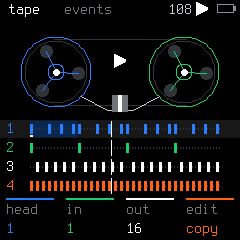
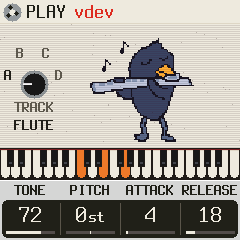
A Mellotron M400 in your SMK-37: real tapes, wow and flutter, a second sound on the other track. The tapes are Bernie Kornowicz's (Taijiguy) M400S samples: free to use, never in anything sold.
All 37 keys play the tapes, velocity on the tape's level · pitch wheel the motor, mod wheel the vibrato
Pads: the sound, the layer, LOFI, vibrato, Leslie, echo, reverb, half speed, 8-second tapes
The same firmware under another model name. Pick your keyboard's own model (an Elite running an older build here
reports SMK-37 Pro), so M-Vave's updater accepts its factory firmware again. Starrykey 37 Play: use SMK-37 Pro.
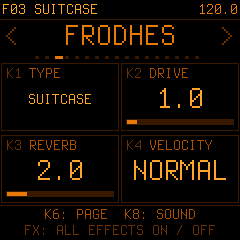
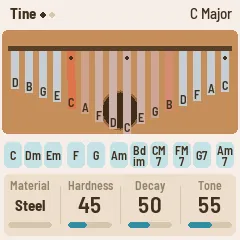
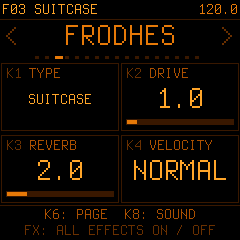
A physically modelled electric piano: every note computed live from a hammer, a tine and a pickup. Four instrument types, a compressor, tremolo, phaser, chorus, delay and reverb.
All 37 keys strike the hammer at their own velocity · pedal jack, SUSTAIN pad or SEQ REC
Pads: the four types, presets, drive, chord, every effect on / off, arp, sustain
K1–K4: the page's knobs · faders: tone, bark and the effects · pitch wheel bends the tines, mod wheel the tremolo
The same firmware under another model name. Pick your keyboard's own model (an Elite running an older build here
reports SMK-37 Pro), so M-Vave's updater accepts its factory firmware again. Starrykey 37 Play: use SMK-37 Pro.
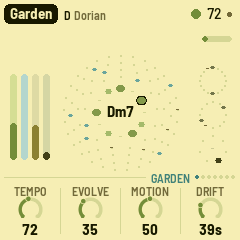
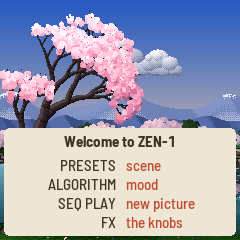
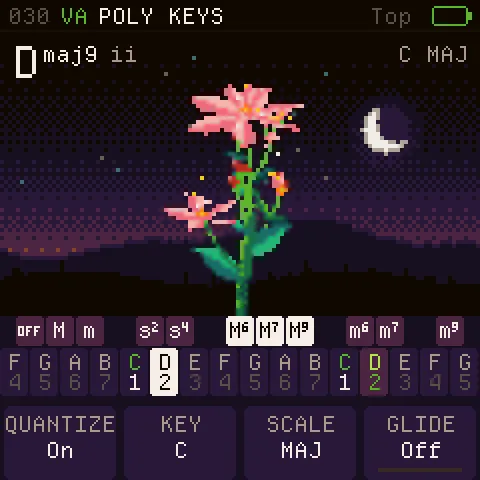
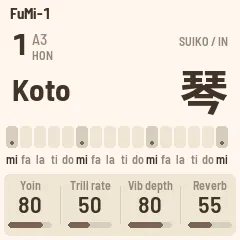
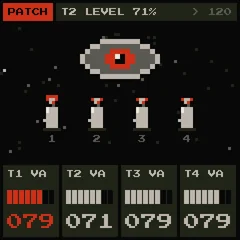
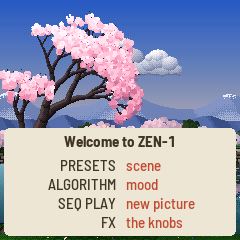
Ambient scenes that play themselves: a cherry tree over a stream, a koi pond, fireflies under a real moon. Every movement on screen is a note, on a 6-operator FM engine.
Three scenes with their moods, or a whole day or night in half an hour
Keys and pads play along · hold PATCH for the koto instrument
K1–K4: the page's knobs · faders: the Volume page · koto: pitch wheel bends, mod wheel vibrato
The same firmware under another model name. Pick your keyboard's own model (an Elite running an older build here
reports SMK-37 Pro), so M-Vave's updater accepts its factory firmware again. Starrykey 37 Play: use SMK-37 Pro.
The same firmware under another model name. Pick your keyboard's own model (an Elite running an older build here
reports SMK-37 Pro), so M-Vave's updater accepts its factory firmware again. Starrykey 37 Play: use SMK-37 Pro.
FM-1 firmwares by the community
Open firmwares for the FM-1 by other authors.
All credit and all support go to the authors: questions and bug reports to their repositories (source on each card).
Own an SMK-37? Vote for the ports you want: press Request SMK-37 port on the cards.
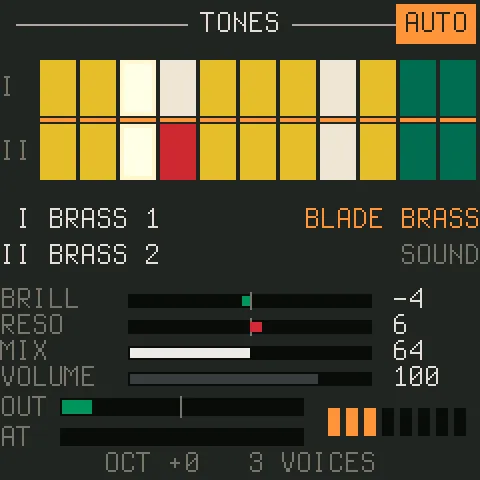
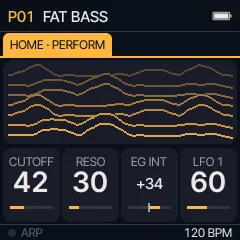
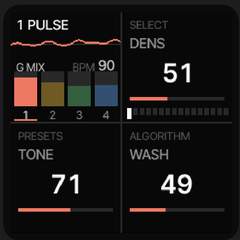
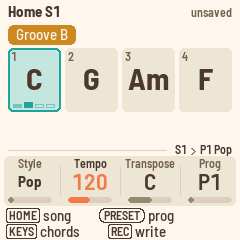
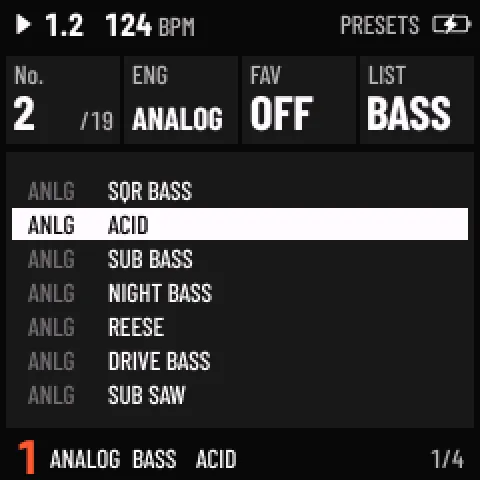
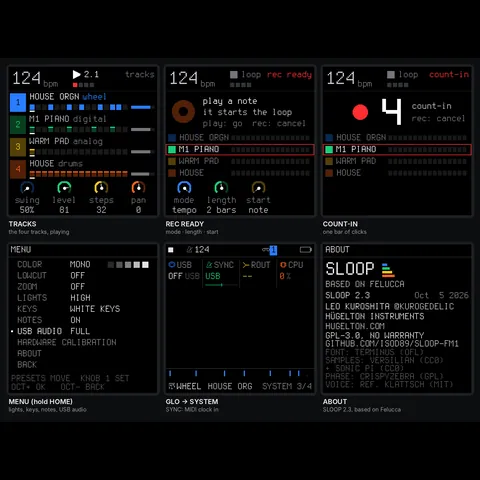
A deep synthesizer grown out of SLOOP: 23 engines and 407 sounds, a hybrid voice of three oscillators and two filters, a modulation matrix and a browser editor for every parameter.
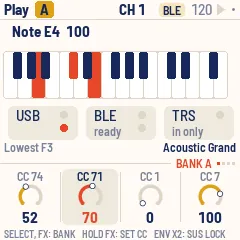
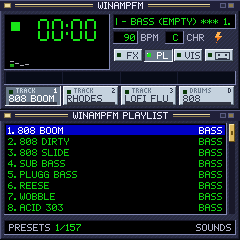
Makes the keyboard a MIDI controller for USB, Bluetooth and TRS, with velocity, aftertouch, knob banks, an arpeggiator, Euclidean drums and onboard sounds.
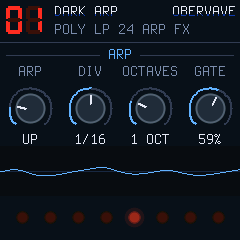
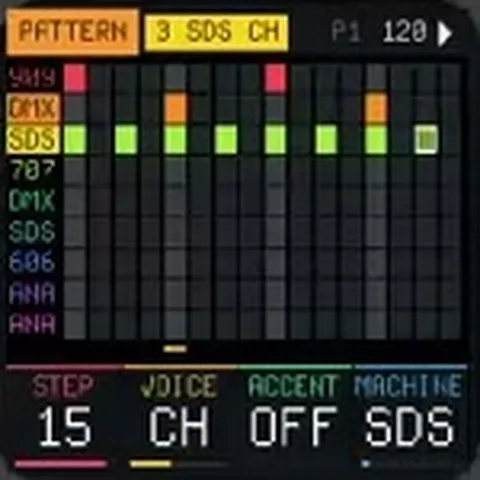
Self-playing dub techno: chord stabs into a dissolving echo, sub bass grooves, a ducking kick and a noise voice; you steer the chords ahead, the filter, the echo and the arrangement.
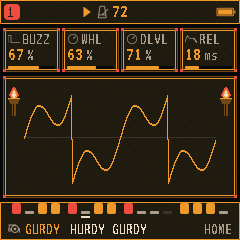
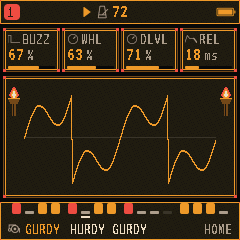
Fantasy firmware for live roleplay and tabletop games: acoustic models such as hurdy-gurdy, harp and bagpipes, scene soundtracks and a four-track workshop.
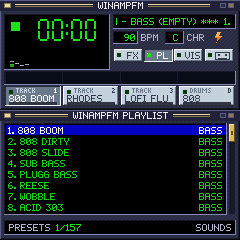
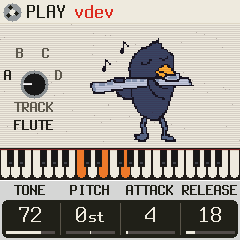
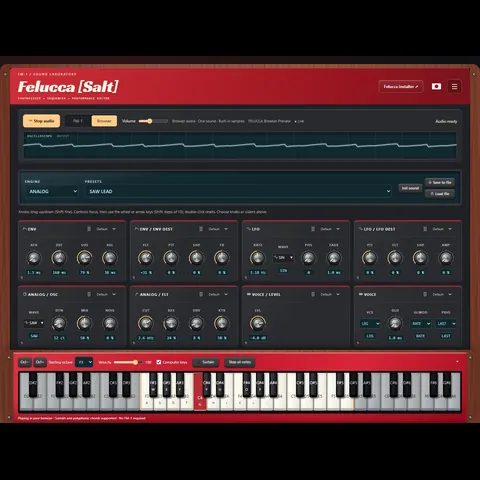
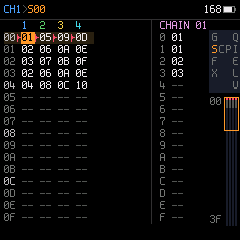
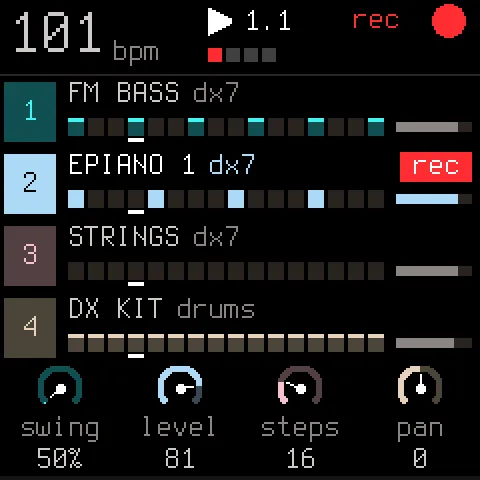
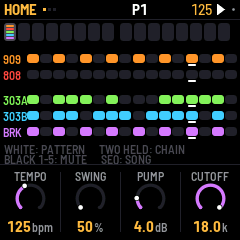
The open multi-engine synth firmware that most projects here grew from: several sound engines, four tracks and a step sequencer, playable in a browser too.
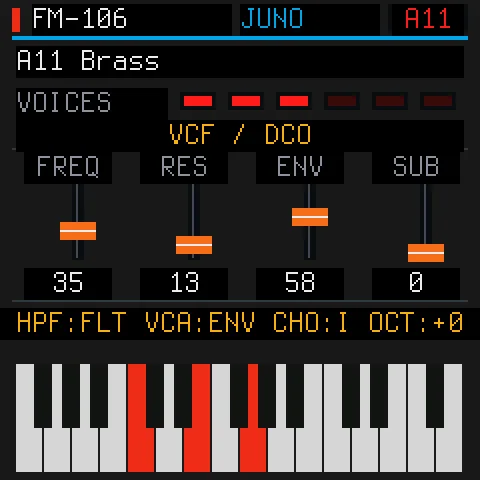
Emulates a six-voice analog polysynth from the 1980s using both processor cores, with 128 factory patches, stereo chorus, a librarian and SysEx editing.
Keeps a full four-track groovebox but draws it as a side-scrolling adventure where tracks are heroes, steps are attacks and recordings become boss fights.
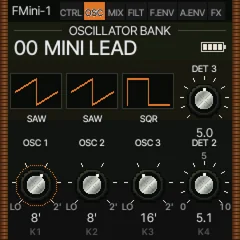
An emulation of the classic Minimoog Model D: three oscillators and noise, the ladder filter and its contour, plus onboard effects, an arpeggiator and a sequencer.
A physically modelled vintage electric piano computed live from hammer, tine and pickup, with six instrument types (four electric pianos, vibes and marimba), an effects chain, looper and arpeggiator.
Dark ambient, dungeon synth and deathdream firmware: four tracks, seven sound sources, long dark effects, a 64-step sequencer, one-key chords, song mode and four built-in samples.
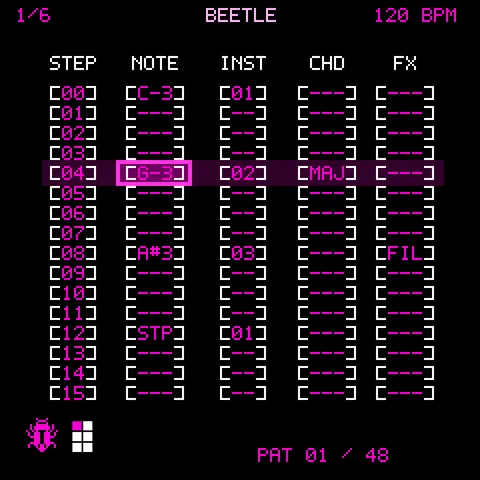
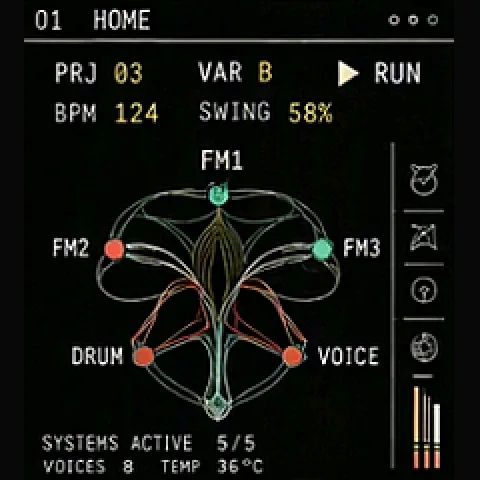
A six-track groovebox drawn like a thermal camera: eight sound engines, among them six-operator FM, phase distortion, bytebeat, speech, organ and a morphing drum kit, with a bus slicer and songs.
⚠ Install JIANT only over the official V15 or JIANT itself: written over another custom firmware, the FM-1 may not start. Return to V15 first on the author's installer page.
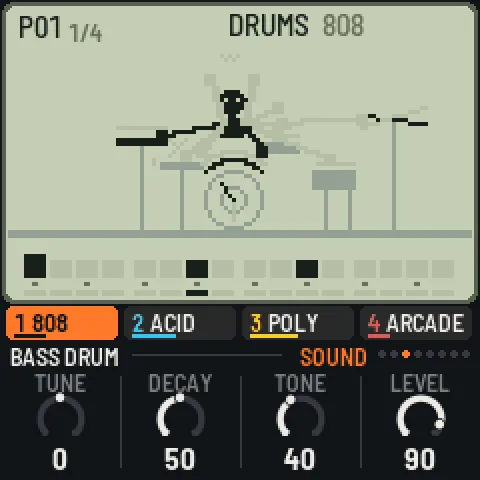
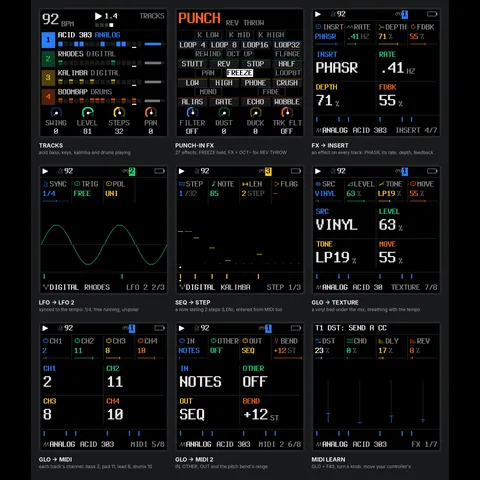
A four-track pocket groovebox of drums and three circuit-modelled synths, chained sixteen-step patterns, punch-in effects and a little animated handheld game per sound.
Four tracks of sound engines, among them a vintage analog poly model, phase distortion and six-operator FM, plus microtonal tunings and SysEx transfer.
A six-track groovebox with fourteen synth and drum engines, a 64-step sequencer with parameter locks and conditions, scenes and a live performance layer.
Your keyboard's calibration and pairing are never touched. The firmware on the keyboard, and what it saved, is replaced.
Keep the USB cable connected and this tab open until it says Done. Afterwards, M-UPGRADE should also work again if you need it.
If something goes wrong
An install that stopped, a keyboard that does not start, or every key reading "C" on M-Vave's firmware:
step-by-step help, and a repair for the key mapping.
Repair: every key reads "C" on M-Vave's firmware · 10 min
The page rebuilds M-Vave's key mapping and keeps your keyboard's own calibration, wheel settings and Bluetooth pairings.
It installs a small repair firmware and M-Vave's V016, twice each, all by itself: about 10 minutes.
0 · WINDOWS: SWITCH CHROME'S MIDIOn Windows, Chrome's standard MIDI can freeze the
whole browser when M-Vave's firmware restarts into update mode. Switch Chrome to Windows' newer MIDI first:1. Copy this address, paste it into Chrome's address bar and press Enter: chrome://flags/#use-winrt-midi-api2. Set Use Windows Runtime MIDI API to Enabled and press Relaunch.3. Switch the keyboard off and on, then come back to this page.
1 · CONNECTPlug the keyboard in (a USB data cable, Chrome or Edge) and press Connect.Not connected
3 · REPAIRPress Repair. Keep the cable in and this tab open until it says Done. If it stops, press Repair again: it goes on where it stopped.If Chrome freezes (a known Chrome bug on some Windows PCs when M-Vave's firmware restarts): end Chrome in the Task Manager, open this page again, press Connect and the Repair button again. It goes on where it stopped; your keyboard is safe in update mode.
The repair firmware copies the calibration, wheel values and pairings to a free area, lets
M-Vave's firmware rebuild a clean mapping, then puts them back. It fills those areas only when they are empty.
If the wheels don't respond afterwards, run the wheel calibration in M-Vave's settings once.
The M-Vave file comes from M-Vave; this page never hosts it. Source: smk37-repair (MPL-2.0).
Ideas and feedback
no account needed
An idea for a firmware, something that bugged you, a sound you miss: write it here. If you have a GitHub account,
the Feedback link on each card opens its discussions instead.
// installing
Installing
1 Save calibration
2 M-Vave rebuilds the keys
3 Repair firmware again
4 Calibration back
5 M-Vave again
Connect
Verify
Update mode
Write
Restart
Done
If Chrome freezes (a known Chrome bug on some Windows PCs when M-Vave's firmware restarts): end Chrome in the Task Manager, open this page again, press Connect and the Repair button again. It goes on where it stopped; your keyboard is safe in update mode.
Starting
Log
If Chrome hangs: close it (Task Manager), open this page again, Connect and press the Install button again. It goes on where it stopped.
// confirm
Install?
// fm1-to-smk37
Port your firmware.
The port guide walks an FM-1 firmware onto the SMK-37 step by step: the board switch,
the input and LED layer, the flash map, the update path and the controls. Written so you can follow it with
a coding assistant such as Claude, without any vendor code. The FM-1 build stays byte-identical, so the SMK target can live upstream.